Kavot features
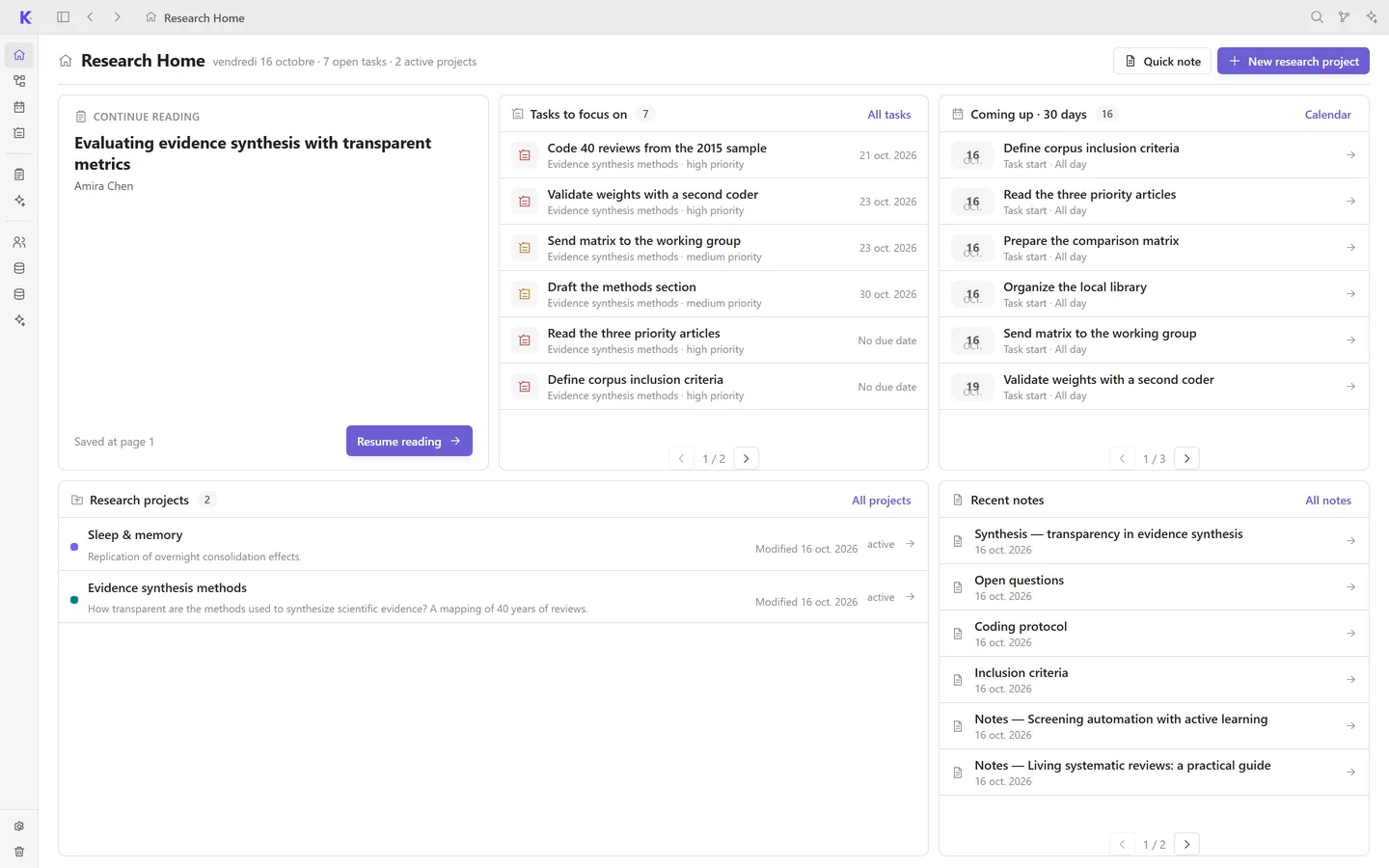
Home
The current article, the tasks to focus on, upcoming deadlines and recent notes, on one screen.
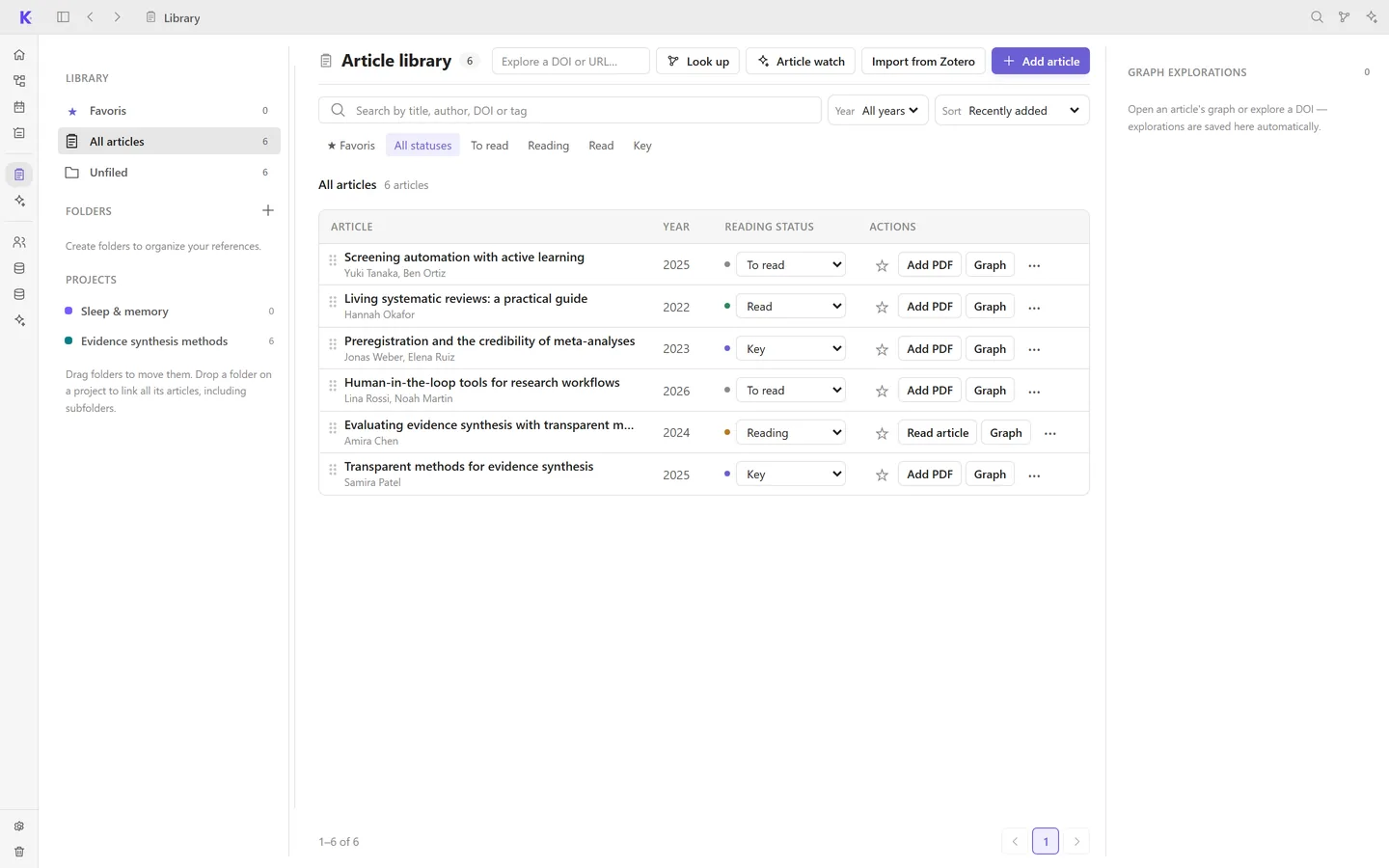
Library
Import your Zotero library or add articles by DOI. Sort them into folders and track their reading status.
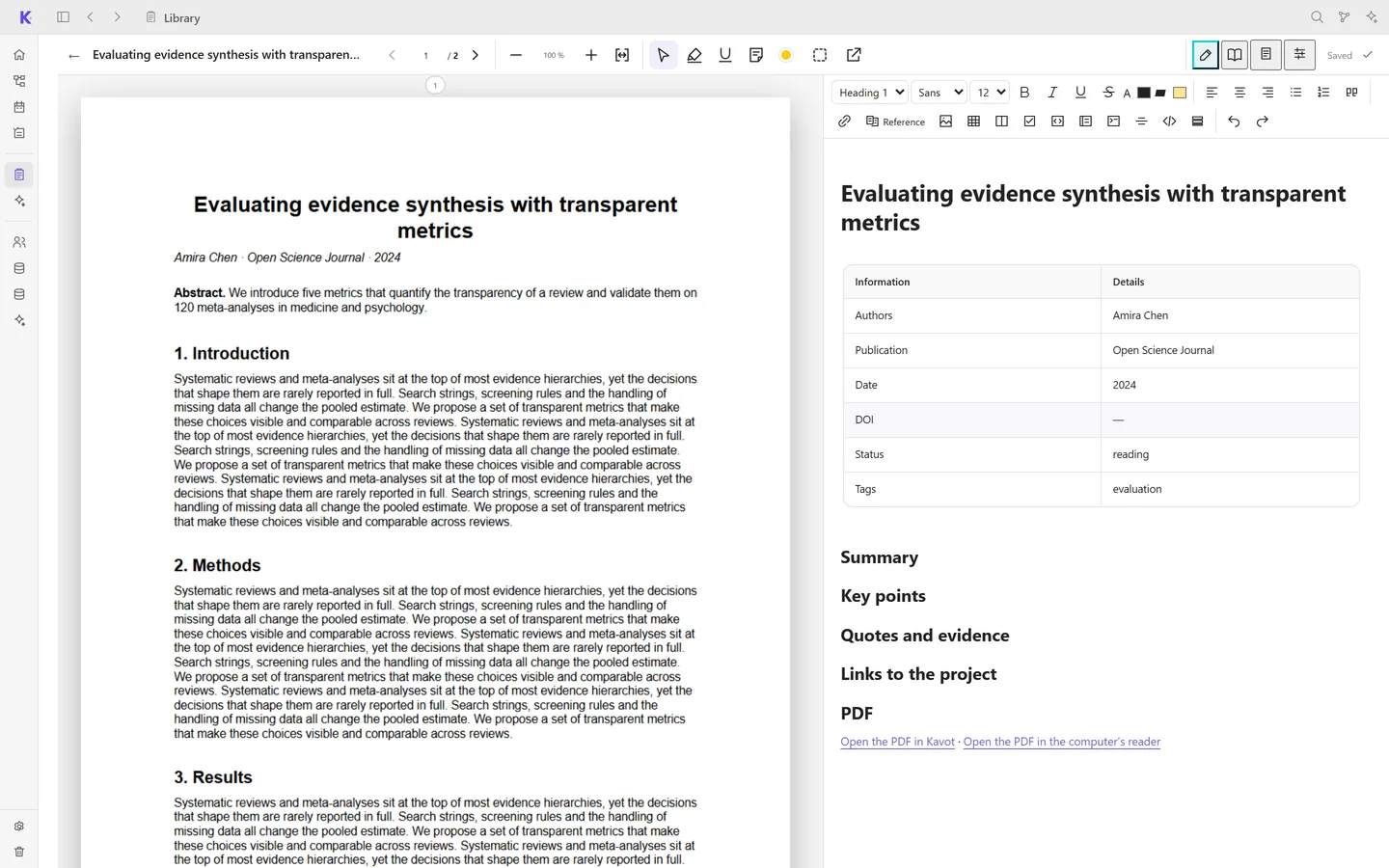
Reader
Open a PDF next to its reading note. Highlight passages and cite them with their page.
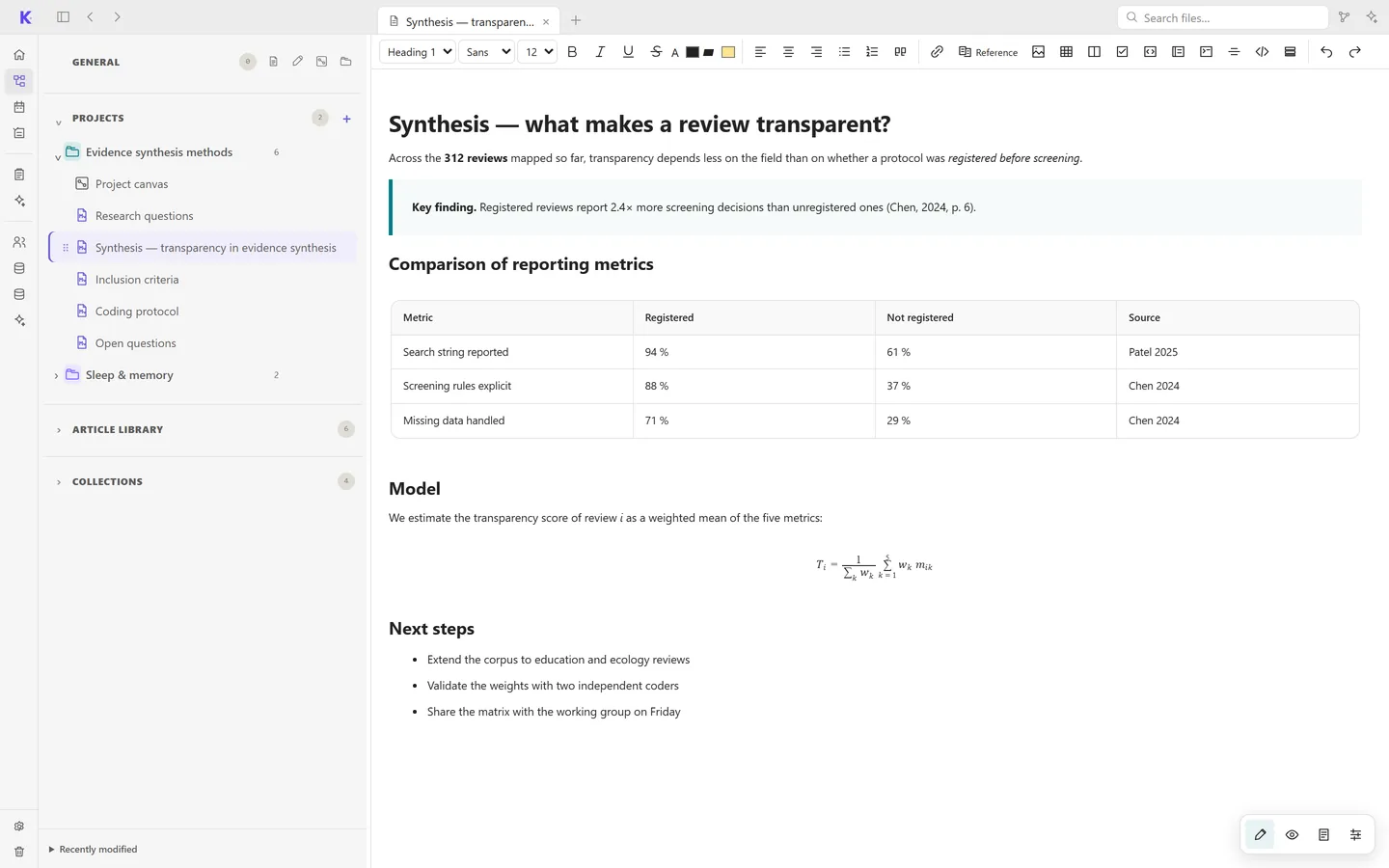
Notes
A rich editor with tables, callouts and math. Each note is a standalone HTML file that opens in any browser.
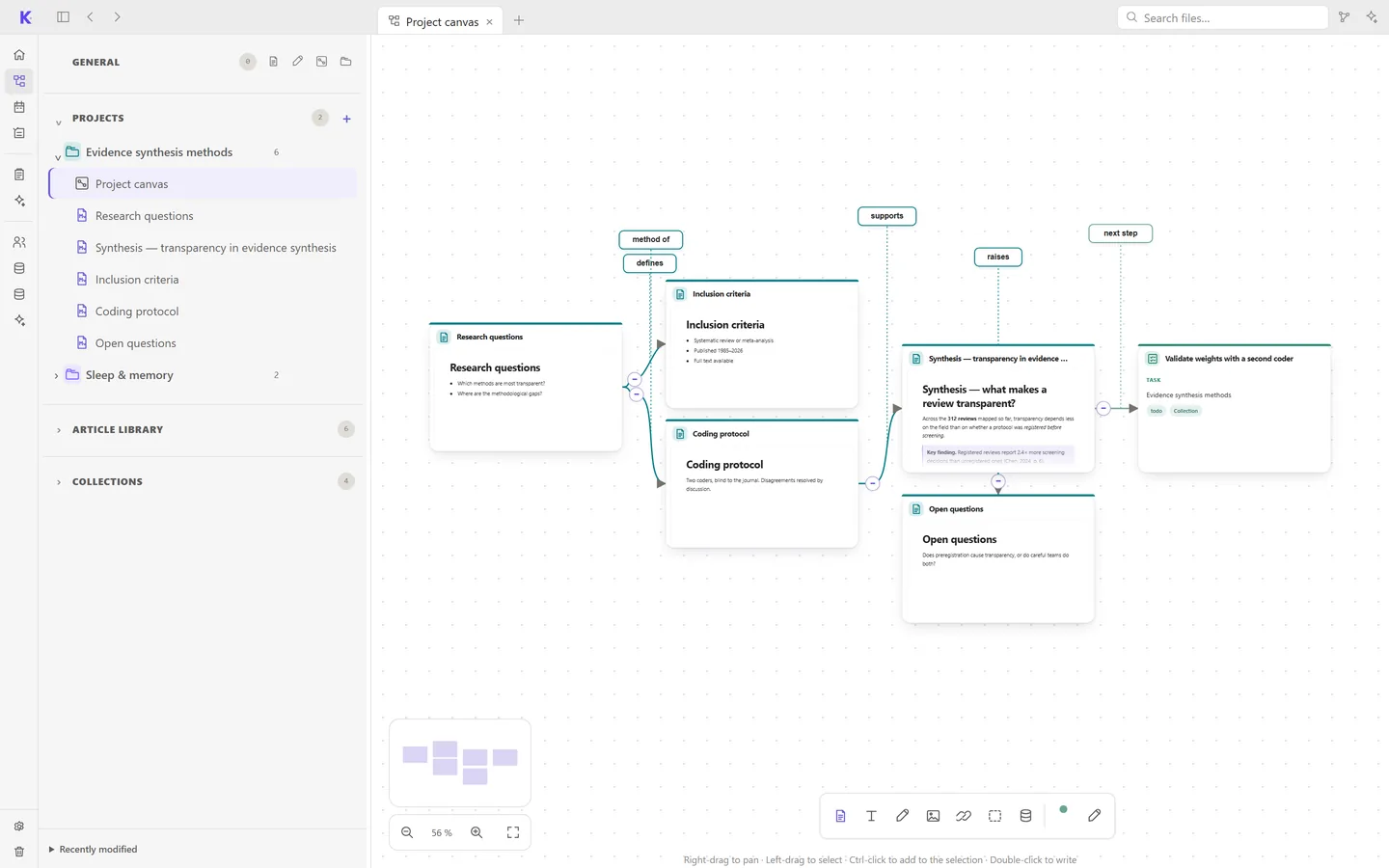
Canvas
Place notes, articles and tasks on an infinite canvas and connect them with labelled links.
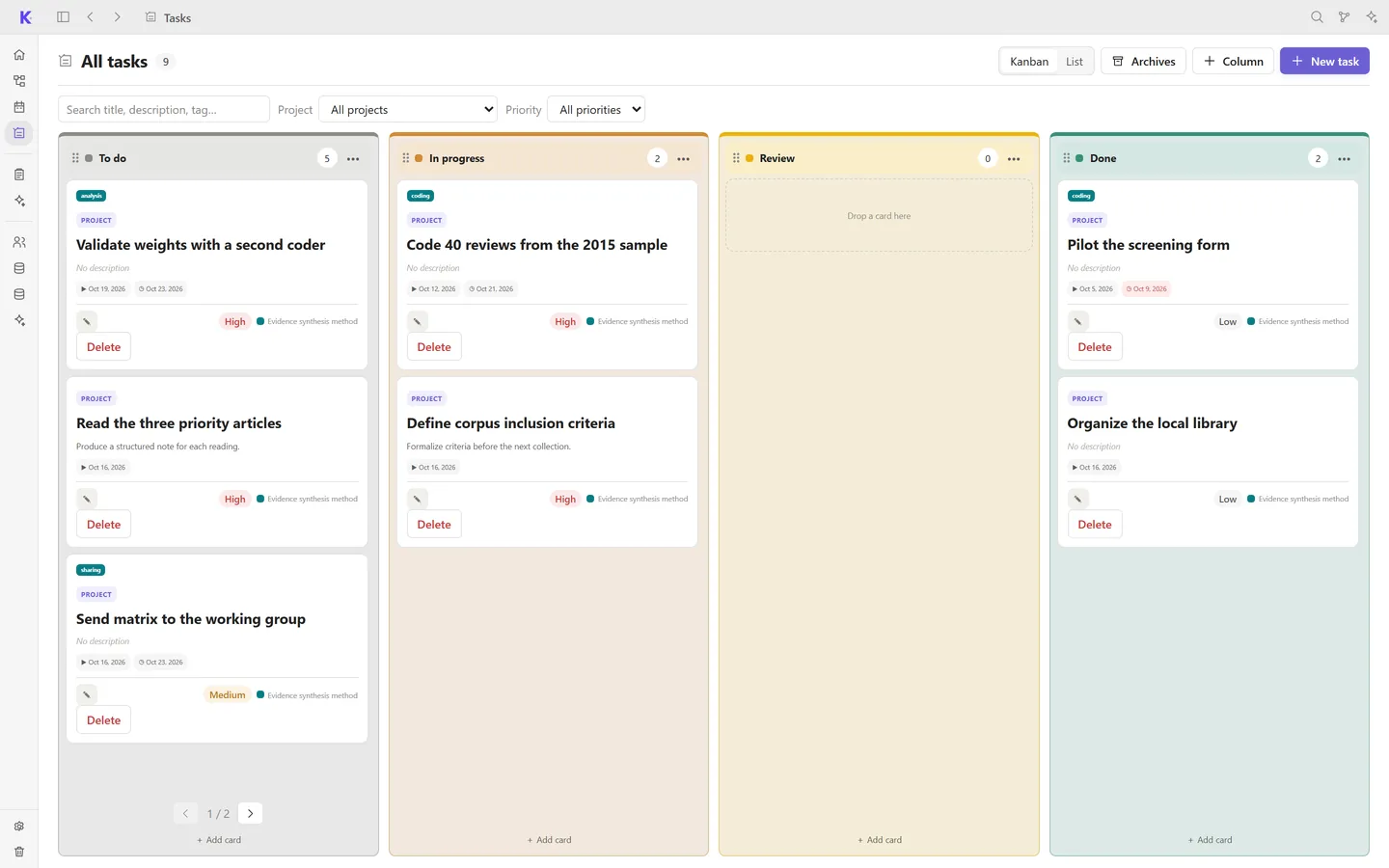
Tasks
A kanban board per project, with priorities, labels, checklists and due dates.
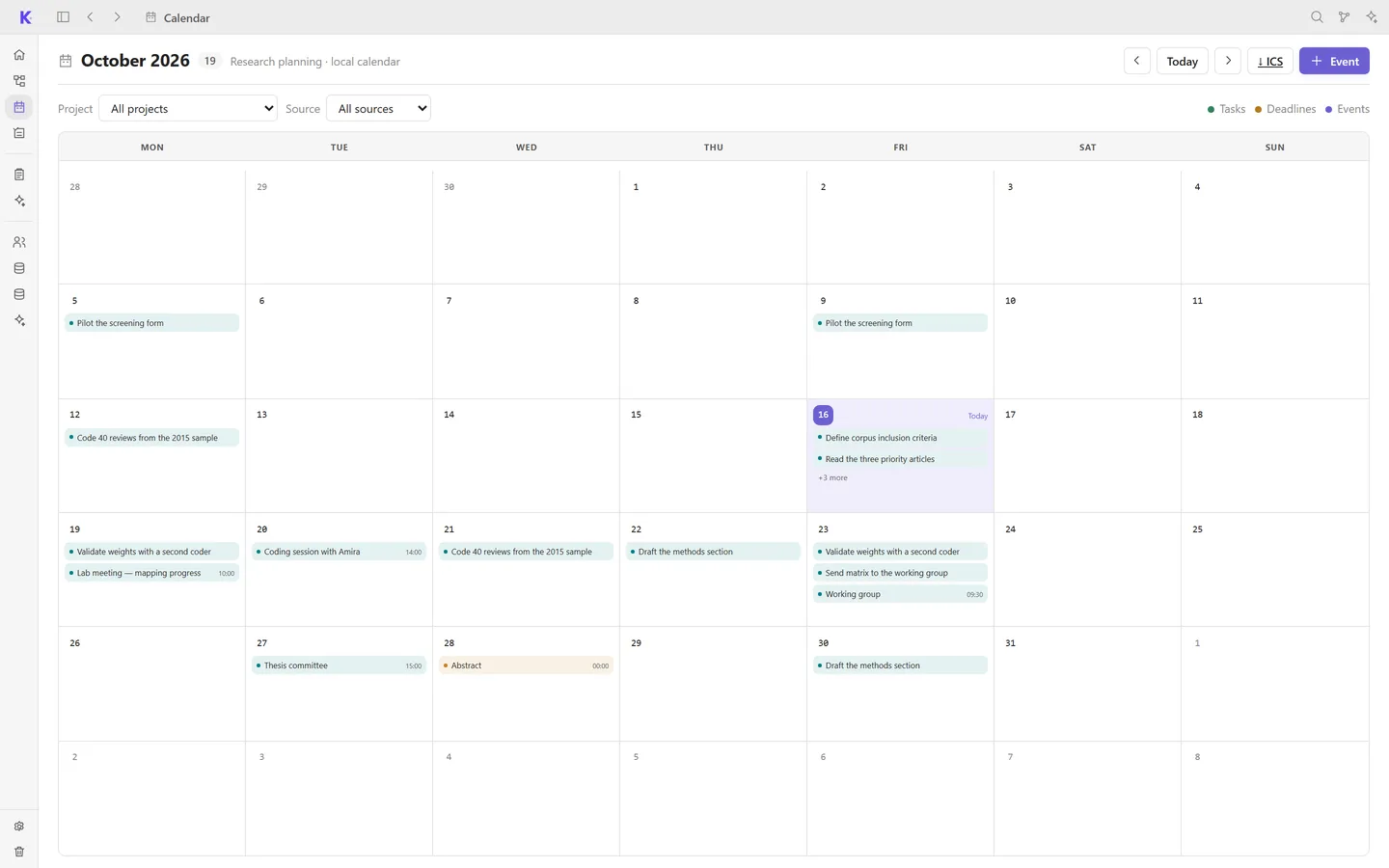
Calendar
Tasks, events and conference deadlines in one calendar, exportable as ICS.
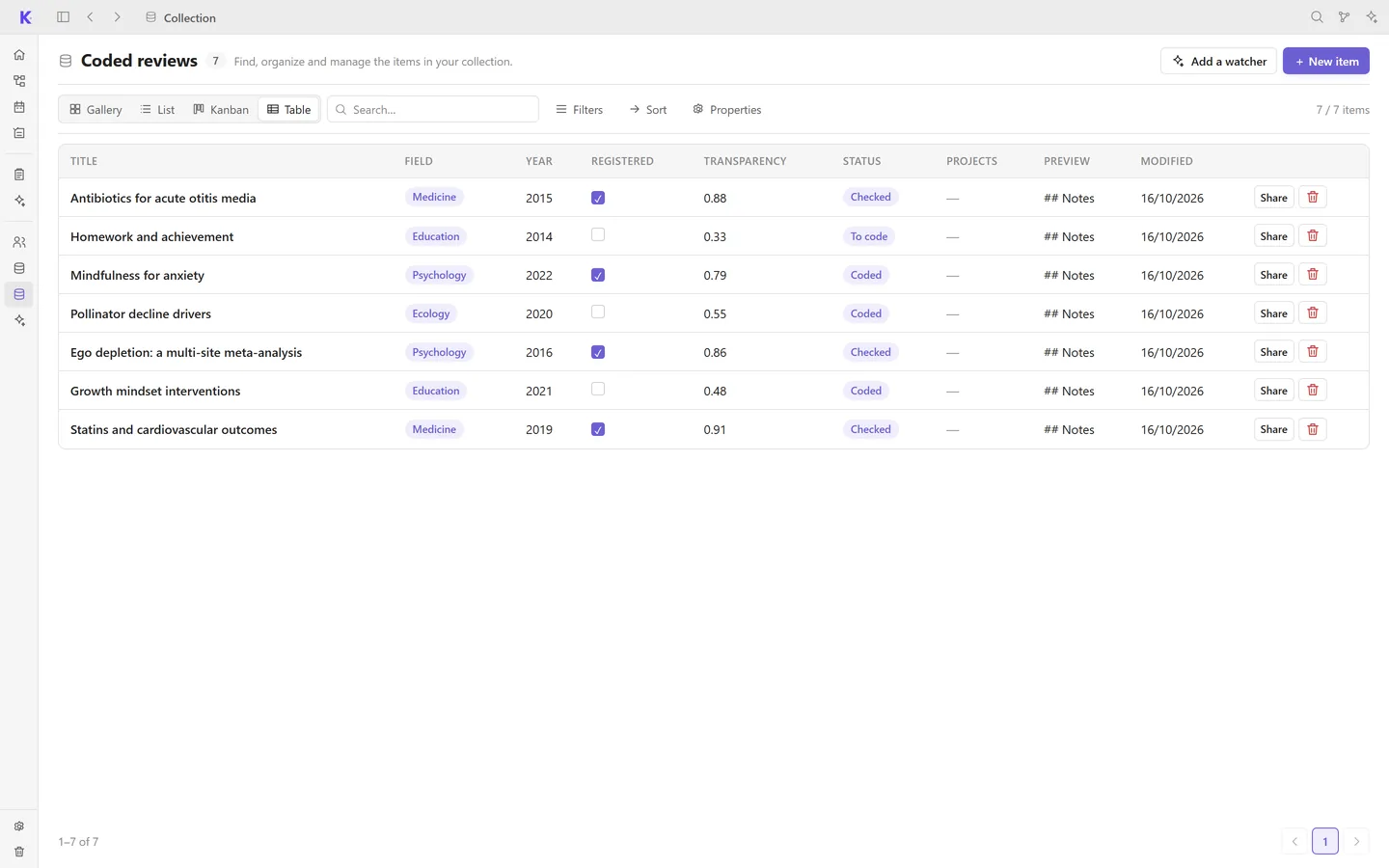
Collections
Databases with your own fields, shown as a table, gallery, kanban or calendar.
Assistants
Connect an agent installed on your computer, such as Claude Code, Codex or OpenCode. It reads your workspace through a local MCP server and proposes changes that you approve one by one.
Sync & backups
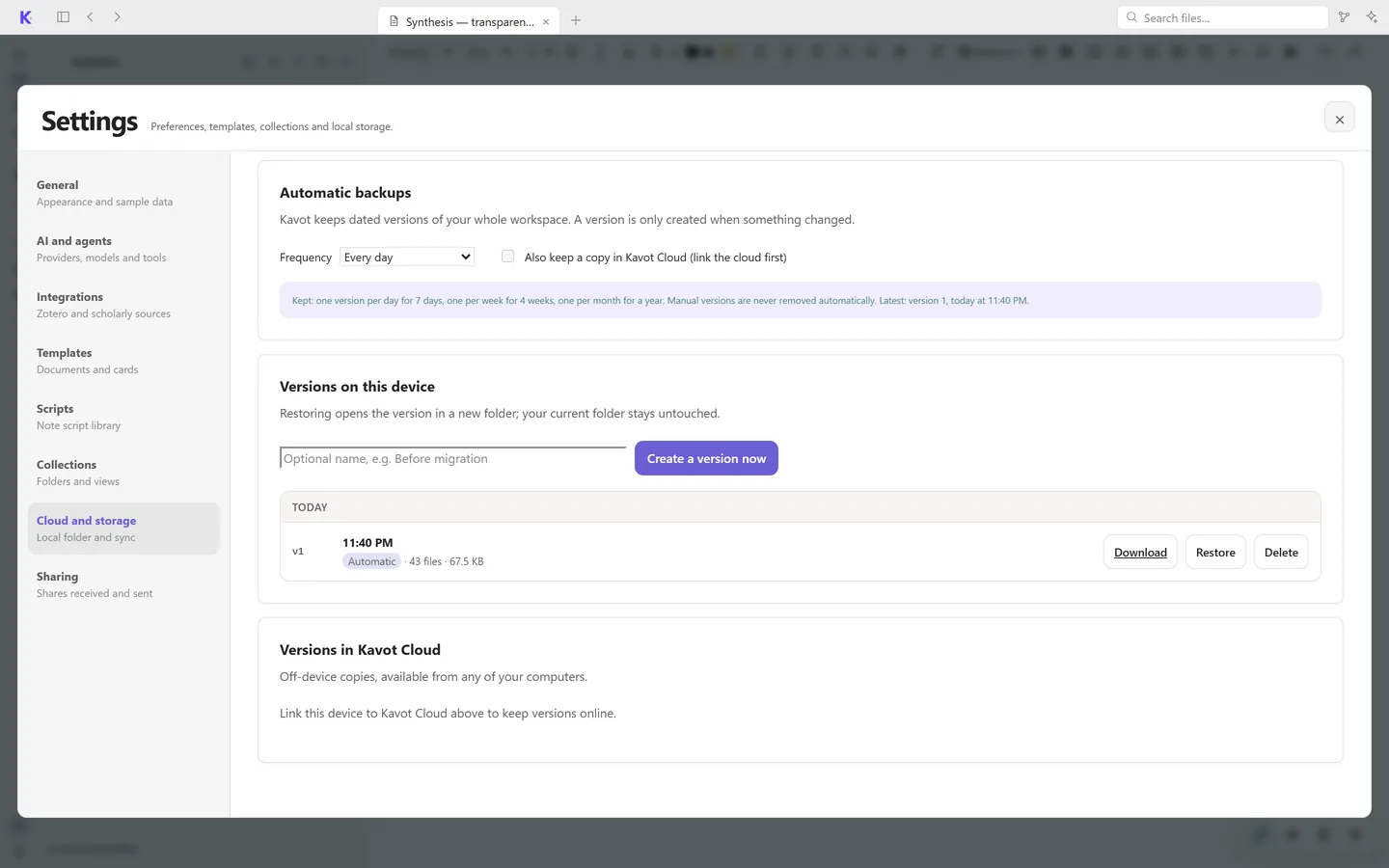
Your workspace is a regular folder. The simplest way to sync it is to place it in Google Drive, Dropbox, iCloud Drive, OneDrive or any other sync service.
Kavot Cloud adds sync, file history and dated backups. Access is granted on request, for now.
Request access ↗